

Most app roundups treat your phone as a blank slate. A Samsung Galaxy is not a blank slate. Samsung folded rewording tools into Galaxy AI, and those free built ins cover a lot of the simple cases people install an app for. That changes the real question from “which app is best” to “which app earns a place next to what your phone already does.”
This guide covers the paraphrasing apps that genuinely run well on a Galaxy, what the built in options already handle, and how students and professionals should choose based on how they actually type. Prices and free limits change often in this category, so the figures below reflect what vendors listed in early September 2026.
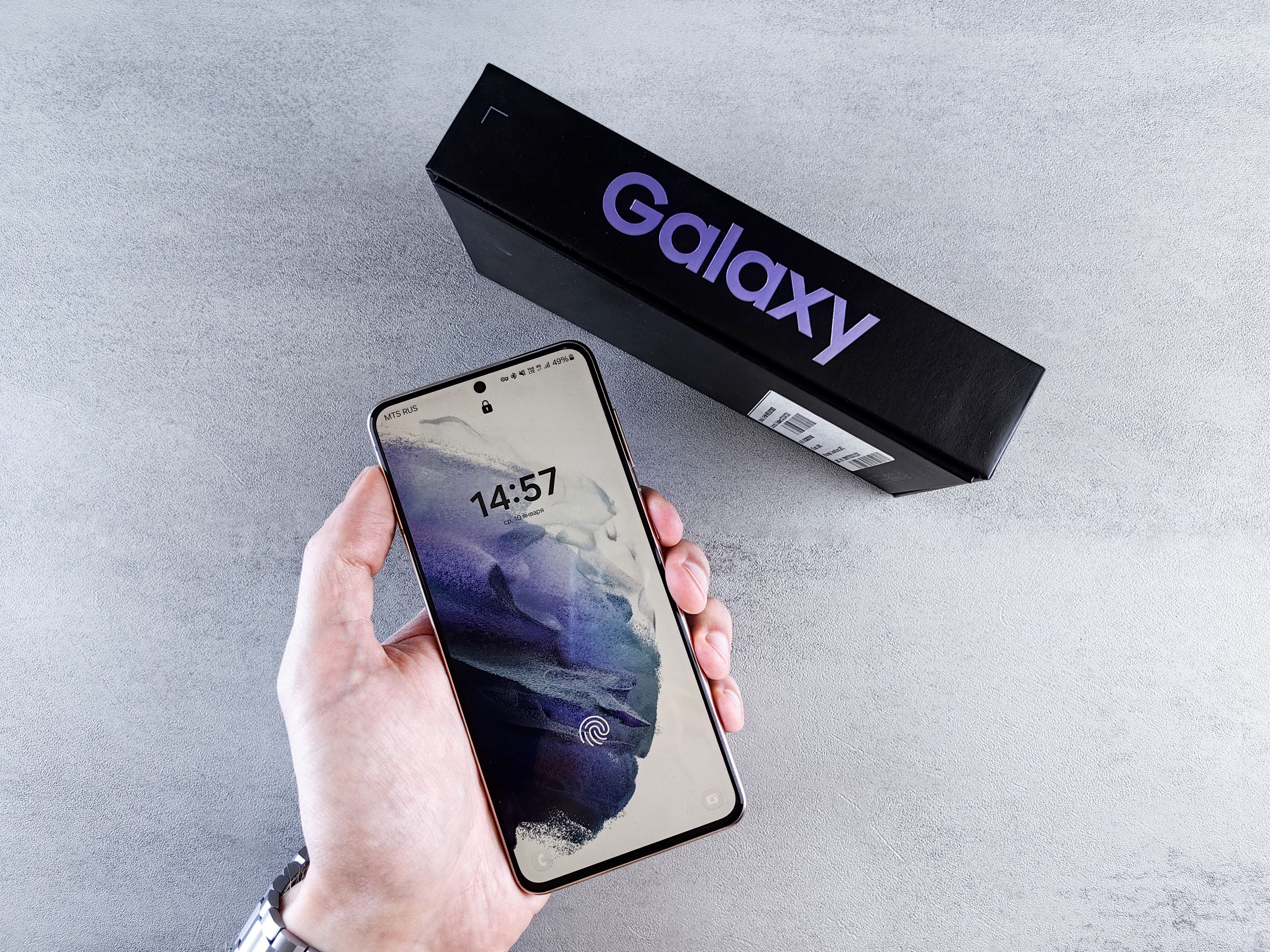
The rewriter already on your phone
Galaxy AI arrived with the Galaxy S24 series in early 2024 and has since reached many newer Samsung flagships. One of its tools, Writing assist, sits inside the Samsung Keyboard. Samsung’s own support documents describe it as the successor to the older Chat assist, and it covers three tasks that matter for day to day rewriting:
- Writing style. Select a sentence and the tool offers rewrites in preset tones, including Professional, Casual, Polite, #social, and Emojify.
- Spelling and grammar. A single pass that fixes errors and punctuation before you send a message.
- Note assist. Inside Samsung Notes, Galaxy AI formats, summarizes, and corrects notes, so you can clean up rough study notes without opening another app.
Writing assist runs on phones with One UI 6.1 or newer, which means Android 14 or later. For the full device list and the step by step instructions, Samsung’s Writing assist support page is the reference I used. On a recent Galaxy the tool is free, needs no install, and handles short messages comfortably.
The limits matter just as much. The preset styles are few, the tool lives inside the Samsung keyboard rather than across third party keyboards, and it is thin for long documents. If you need to rewrite a full essay or a client report with control over how far the text moves from the original, you want a dedicated engine.
The dedicated apps that run well on a Galaxy
Four options cover the realistic range, from full native apps to browser tools that need no install. The table compares how each one runs on a Galaxy, what you get for free, and who it actually fits.
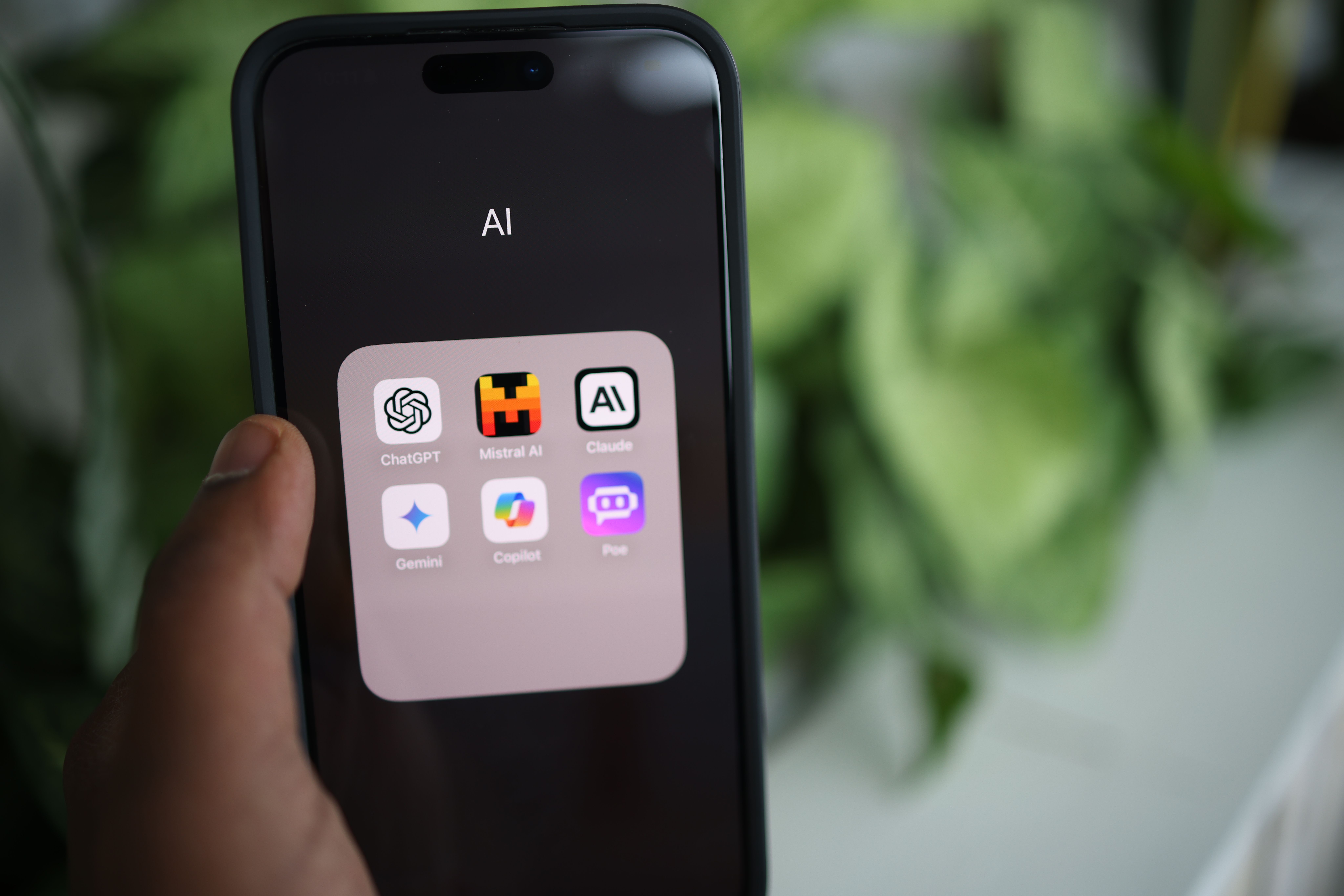
| App | How it runs on your Galaxy | Free tier | Who it fits |
|---|---|---|---|
| QuillBot | Native Android app with an AI keyboard, a floating widget, and the same account on the web | Standard and Fluency modes, 125 words per run on the web | Students and anyone rewriting longer passages |
| Grammarly | Android keyboard that corrects across apps, plus an editor in the phone browser | Grammar and spelling basics free; tone and rewrites sit behind the paid tier | Professionals who already use it on a laptop |
| Writing assist (built in) | Inside the Samsung Keyboard and Samsung Notes, no install | Free on supported phones running One UI 6.1 or newer | Quick tone changes on messages and notes |
| Paraphraser.io | Browser only, no account needed | Generous word cap per run | Occasional rewrites with no subscription |
Platform and free tier details come from each vendor’s site and current app store listings, checked in early September 2026. Free caps and prices change, so verify before you pay.
QuillBot, the benchmark app
QuillBot has been around since 2017 and is the tool most reviewers measure everyone else against. Its Android presence is a real native app, listed on QuillBot’s Google Play listing, not a thin wrapper around a website. The standout feature is a synonym slider that controls how aggressively text gets rewritten. At the low end the output stays close to your original, which is exactly what careful academic paraphrase needs. Premium adds modes such as Academic, Formal, and Shorten, and billed annually it runs close to $50 a year. Students who do most of their writing on the phone get the strongest return here.
Grammarly, when you already pay for it
Grammarly is not primarily a paraphraser. It is a keyboard that catches grammar and spelling as you type, and its rewriting tools sit behind the paid tier at roughly $12 a month on annual billing. Keep it if you already pay for it on a laptop and want the same safety net on your messages. Do not start a subscription here if rewriting is your main need, because better engines cost less.
Paraphraser.io, the no account option
The budget answer. It runs in the phone browser with no signup, and the free tier allows long stretches of text per run. Output quality trails QuillBot, and phrasing can drift toward predictable synonym swaps, so read the result before you use it.
What about Wordtune?
Wordtune, made by AI21 Labs, gets searched almost as often as QuillBot. It rewrites sentence by sentence and feels strongest on desktop and iPhone, while Galaxy users reach it through the mobile web. Industry reports from 2025 said AI21 had paused active development of Wordtune to focus on enterprise products, which makes it a harder subscription to justify on an Android phone.
When every free cap runs out at once, which happens on deadline nights, browser tools are the backstop. ZeroGPT is best known for its AI detector. Its paraphrasing tool runs entirely in the browser with no signup and no fee, and it sits next to an AI detector, which is useful when you want to screen text before you submit it. On a Galaxy you can pin the page to the home screen and treat it like an app.
What a student actually needs

Student workloads are specific: lecture notes, essay drafts, and source material that needs rewording without losing its meaning. The built in tools plus one good engine cover all of it.
- Use Note assist to summarize a lecture into headings before you start rewriting.
- Draft your own sentences first, then run a Fluency pass on them. Rewriting text you wrote is editing. Rewriting text someone else wrote without attribution is misconduct.
- For source material, keep the rewrite close to the original meaning using the low end of the synonym slider, then cite the source normally.
AI detectors have sharpened, and running another person’s essay or an AI draft through a rewriter no longer reliably hides it. Universities treat the attempt as misconduct whether or not it is caught. These apps earn their place as editing aids for your own writing, not as ghostwriters. That line is what keeps a tool useful instead of risky.
What a working professional needs

Professionals usually want the opposite of students: shorter text, calmer tone, fewer errors, and speed. The workflow is different.
- For a quick email, select the text in the Samsung Keyboard and apply a Polite or Professional style from Writing assist.
- For a client facing paragraph, run QuillBot in Formal mode, then read the output against the original.
- For day to day typing, the Grammarly keyboard catches slips in Slack, Teams, and email before you hit send.
- For international teams, Writing assist translates chats in supported messaging apps when colleagues work in another language.
Sensitive contracts and client data deserve caution. Samsung offers a “process data only on device” setting under Galaxy AI that keeps supported features local. Before you paste anything confidential into any of these services, check what the vendor does with your text. Most run in the cloud, so treat a rewriter like any other tool that sees your words.
Where these tools still stumble
Every paraphraser has the same failure mode: silent meaning drift. An output can turn “increases the risk of X” into “eliminates the risk of X” without any warning, and it is easy to miss in a long passage. Numbers, negations, and quoted terms are the danger spots. Reviewers who run these tools on identical passages keep finding the same tradeoff, fluency rising while meaning fidelity wobbles on dense academic text.
My rule is simple. Treat the output of any of these apps as a draft, not a final. Read it once against the source, check anything that contains a number or a negative, and only then call it done. That last check is where students and professionals actually protect themselves, whichever app they choose.
Quick picks
- Install nothing and want speed: switch on Writing assist in Galaxy AI settings and learn the three star icon on the keyboard.
- Install one app: QuillBot. The free tier covers standard student tasks, and premium is cheap enough to justify once you hit the caps weekly.
- Already pay for Grammarly: keep it and skip the rest.
- Refuse subscriptions: use Paraphraser.io for long free runs and a browser based tool for quick checks.
Most people do not need three writing subscriptions. They need one good engine, the tools already on the phone, and the habit of checking the result. Pick the combination that matches the way you type, and the phone does the rest.
How this guide was built: I used Samsung’s support documentation for Writing assist and Note assist, current Google Play and vendor pages for each app, and 2026 comparisons that ran the tools on identical passages. Figures reflect vendor listings as of early September 2026 and will age, especially free tier caps and prices. Where reviewers disagreed, the text says so.